
HP LaserJet 2400 printer user manual covering consumable status pages and PS or PCL font list printing from the control panel.
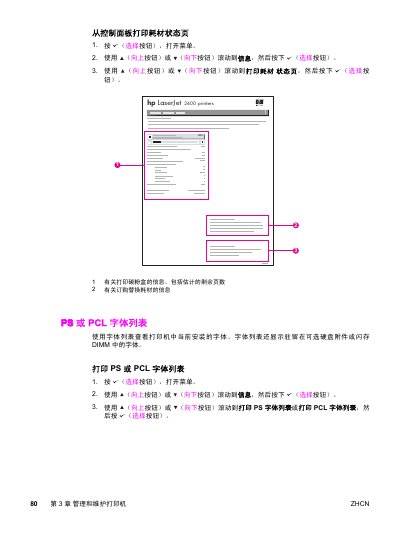
This HP LaserJet 2400 printer user manual explains how to print the consumable status page from the printer control panel, including estimated remaining pages and ordering information for replacement supplies.
It also describes how to print PS or PCL font lists to view installed fonts, including fonts on optional hard disk accessories or flash DIMMs, and details the information shown on PCL font list pages such as font name, pitch, escape sequences, font numbers, and font types. This manual is written in Chinese.
Press the select button to open the menu, scroll to Information using the up or down button, press select, scroll to Print Supplies Status Page, and press select again.
Fonts can reside in the printer, on an optional hard disk accessory, or on a flash DIMM.
SOFT fonts are downloaded fonts that remain until replaced by another downloaded font or until the printer is turned off, while INTERNAL fonts permanently reside in the printer.