
User guide for the HP Officejet 100 (L411) mobile printer, covering setup, printing, ink cartridges, troubleshooting, and technical specifications.
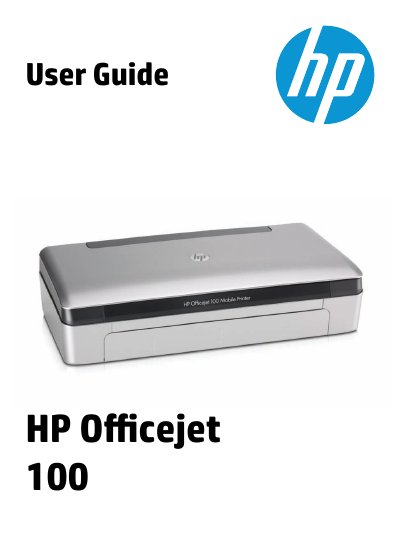
This guide covers the HP Officejet 100 (L411) Mobile Printer. It explains how to identify the printer parts, select and load print media, install and use the battery, connect memory devices or a PictBridge-compatible camera, print from mobile phones, and maintain the printer.
It also describes printing documents, brochures, envelopes, photos, and borderless or duplex output on Windows and Mac OS X, working with ink cartridges, solving printing and paper-feed problems, clearing jams, and setting up Bluetooth communication. Technical information includes printer specifications, regulatory notices, environmental programs, and warranty details.
| Printer dimensions (width x depth x height) | 347.9 x 175.5 x 84.4 mm (13.70 x 6.91 x 3.32 inches) |
|---|---|
| Weight (without printing supplies) | Printer: 2.3 kg (5.1 lb); printer with battery: 2.5 kg (5.5 lb) |
| Connectivity | USB 2.0-compliant high-speed device; PictBridge/USB 2.0 high-speed host port; Bluetooth 2.0 Enhanced Data Rate |
| Ink cartridges | Black, tri-color, and photo ink cartridges |
| Printer languages | HP PCL 3 GUI |
| Processor | 220 MHz ARM9 core |
| Memory | 64 MB DDR2 |
Turn off the printer, unplug it, remove media from the input tray and output slot, locate the jam, and pull it out gently from the output slot or through the front access cover.
The printer uses black, tri-color, and photo ink cartridges.
The printer offers a USB 2.0-compliant high-speed device port, a PictBridge/USB 2.0 high-speed host port, and Bluetooth 2.0 Enhanced Data Rate.
The printer weighs 2.3 kg (5.1 lb) without printing supplies, or 2.5 kg (5.5 lb) with the battery.