
Firmware readme for the HP Digital Sender Flow 8500 fn2 Document Capture Workstation (model L2762A), covering firmware revision 2411226_066574…
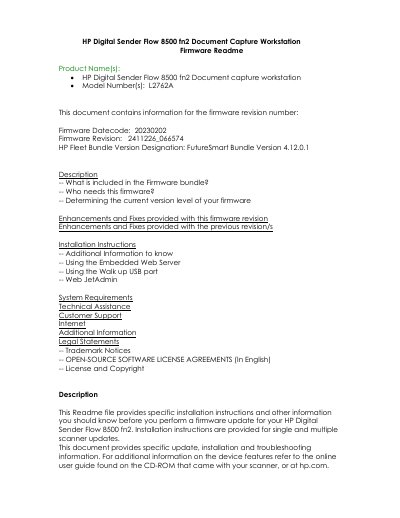
This readme document provides firmware update information for the HP Digital Sender Flow 8500 fn2 Document Capture Workstation, model L2762A. It covers firmware datecode 20230202, firmware revision 2411226_066574, and FutureSmart Bundle Version 4.12.0.1.
The document explains who needs the firmware, how to determine the current firmware version from the scanner control panel, and installation using the Embedded Web Server, Walk up USB port, or Web JetAdmin. It also lists enhancements and fixes for this and previous firmware revisions.
| Model Number | L2762A |
|---|---|
| Firmware Datecode | 20230202 |
| Firmware Revision | 2411226_066574 |
| HP Fleet Bundle Version | FutureSmart Bundle Version 4.12.0.1 |
Go to the scanner control panel, swipe left to Reports, select Configuration/Status Pages, choose Configuration Page, press View, and check the Device Information section.
No. This firmware file requires an interactive update method and cannot be upgraded using traditional FTP, LPR, or Port 9100 methods.
Use the Embedded Web Server, the Walk up USB port, or Web JetAdmin to update the firmware of this device.