
Spanish installation guide for the HP ET-2750 printer, covering unboxing, ink tank filling, initialization, and paper loading instructions.
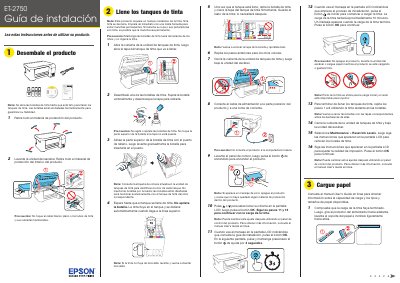
This document provides step-by-step instructions for installing the HP ET-2750 printer. It details the process of removing protective materials, filling the ink tanks using the provided bottles, and connecting the power supply. The guide emphasizes safety precautions, such as not touching ink tubes and keeping the device on during the initialization process. This manual is written in Spanish.
The ink loading process takes approximately 10 minutes.
Lift and reinsert the bottle.
Do not connect the product to the computer until after powering it on and completing ink loading.
Close the ink tank cover and lower the scanner unit.