
This user guide covers setup, operation, maintenance, and troubleshooting for the HP ENVY 6000e All-in-One printer series.
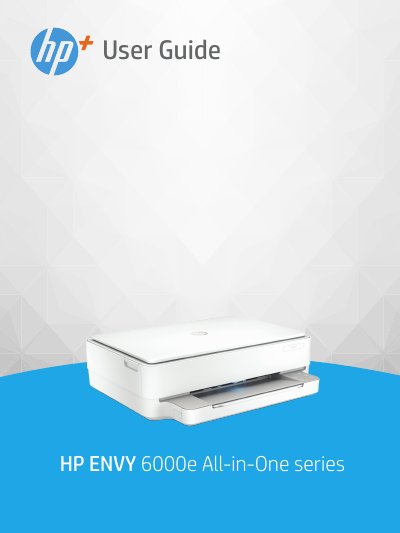
The document serves as a comprehensive manual for the HP ENVY 6000e All-in-One Series. It details printer parts, button functions, and provides instructions on loading media, connecting to networks (wireless or wired), and using management tools like the HP Smart app and Embedded Web Server.
Key operational topics include printing, copying, scanning, managing ink cartridges, and utilizing features such as Quiet Mode, Auto-Off, and Sleep mode. The guide also addresses troubleshooting common issues, maintaining the device, and restoring factory defaults.
| Document Copyright Year | 2021 |
|---|
You must unplug the product from wall outlets before cleaning it.
Press and hold the Information button for three seconds until all buttons are lit.
The noise level is greater than 63.0 dB(A).