
User guide for the HP ENVY 6000 All-in-One series covering setup, printing, copying, scanning, cartridges, and troubleshooting.
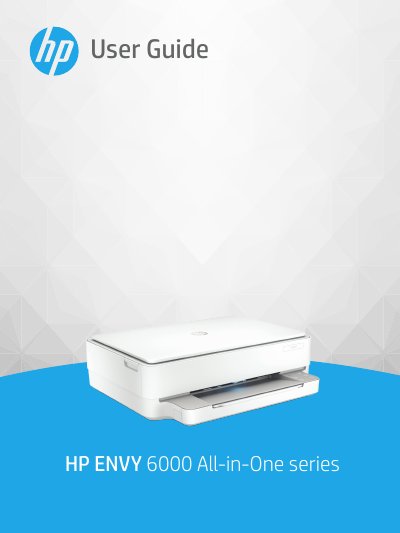
This user guide covers the HP ENVY 6000 All-in-One series printer, including printer parts, loading media, connecting to a network, printing, managing cartridges, copying and scanning, and Web Services.
It also includes troubleshooting guidance, maintenance information, HP EcoSolutions information, and technical and regulatory information.
It lights blue, stays solid when connected, and blinks when not connected.
Open the HP printer software, click Print & Scan, then click Maintain Your Printer.
Press and hold the Information button for three seconds until all control panel buttons are lit, then press the Information and Resume buttons together to print the Network Configuration Report.