
A data sheet detailing the features, specifications, and capabilities of the HP LaserJet Managed MFP E42540 series enterprise-class multifunction printer.
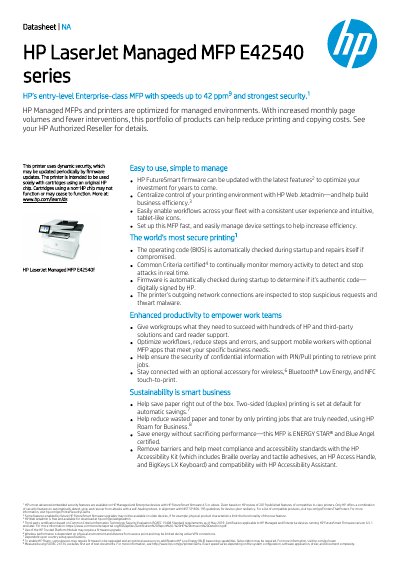
This document serves as a data sheet for the HP LaserJet Managed MFP E42540 series, an entry-level enterprise-class multifunction printer (MFP). It highlights the device's speed capabilities, up to 42 pages per minute, and its robust security features designed for managed environments. The MFP is optimized to reduce printing and copying costs while minimizing intervention requirements.
| Print Speed (Letter/A4) | Up to 40/38 ppm (default); 42/40 ppm (HP High Speed) |
|---|---|
| First Page Out | As fast as 6.3 / 6.5 seconds |
| Control Panel | 4.3 inch (10.9 cm) color touch screen |
| Memory | 2 GB Storage 16 GB eMMC |
| Recommended Monthly Page Volume | 1,500 to 7,500 pages |
| Duty Cycle | Up to 120,000 pages |
| Managed Cartridge Yield | 1,500 pages |
| Input Capacity (Standard/Maximum) | Up to 350 / 900 sheets |
| Automatic Two-Sided Printing | Default |
The recommended monthly page volume is between 1,500 and 7,500 pages.
Yes, automatic two-sided printing is set as the default feature.
The printer includes dynamic security, BIOS checks, Common Criteria certification, and firmware checks to detect and stop attacks.