
French user guide for the HP DeskJet 1220C Professional Series printer covering setup, connections, printing features, maintenance, troubleshooting and…
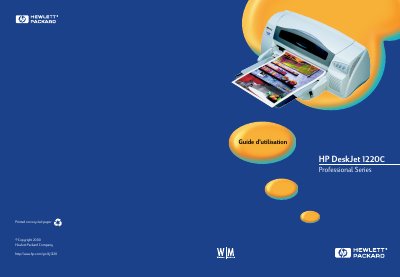
The HP DeskJet 1220C Professional Series is a color printer that can print on paper sizes up to 13 x 50 inches. It connects to IBM and IBM-compatible computers through a parallel or USB port and to Macintosh computers through the USB port, and it can also be shared on a network.
This French user guide covers printer setup, other connections including USB and network printing, Windows and Macintosh printing features, printing on different media, maintenance, troubleshooting and technical specifications. It also includes ordering information, regulatory notices and the limited HP warranty. This manual is written in French.
| Maximum paper size | Up to 13 x 50 inches |
|---|---|
| Computer interfaces | Parallel port and USB port |
The printer can use paper sizes up to 13 x 50 inches.
It connects through a parallel port or a USB port.
HP directs users to http://www.hp.com/go/dj1220 for the latest printer software and related information.
It includes the printer software, additional software templates, a quick welcome presentation, a utility for copying the printer software to diskette, and an electronic copy of this user manual.