
This user guide explains how to set up, operate, and maintain the HP Photosmart D6100 series printer, including printing photos directly from a camera.
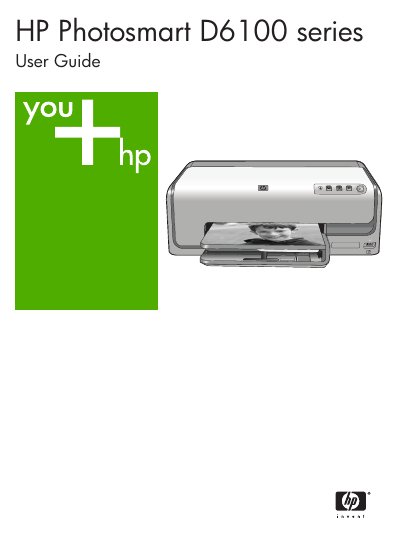
The HP Photosmart D6100 series is a photo printer designed to produce high-quality prints with or without a computer. It features special sensors that detect a mark on HP Advanced Photo Paper to automatically select optimal print settings. The printer also includes HP Real Life technologies, such as automatic red eye removal and adaptive lighting, to enhance photo quality.
| Regulatory Model Number | VCVRA-0602 |
|---|
The Regulatory Model Number is VCVRA-0602.
The photo tray accepts paper up to 10 x 15 cm (4 x 6 inch).
The top cover is lifted to access the ink cartridges and clear paper jams.
The On button is pressed to turn on the printer.