
User guide for HP Deskjet D1400 series printer covering setup, troubleshooting, and technical specs.
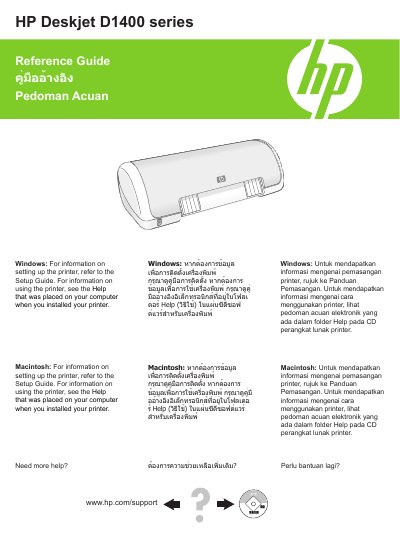
This reference guide provides instructions for setting up and using the HP Deskjet D1400 series printer. It covers troubleshooting common issues like paper jams, power problems, and print queue errors. The guide also includes minimum system requirements and information on ink usage.
The guide is available in multiple languages including English, Thai, and Indonesian, with instructions for both Windows and Macintosh operating systems.
| Paper Weight - Letter | 65 to 90 g/m² (16 to 24 lb) |
|---|---|
| Paper Weight - Legal | 70 to 90 g/m² (20 to 24 lb) |
| Paper Weight - Envelopes | 70 to 90 g/m² (20 to 24 lb) |
| Paper Weight - Cards | Up to 200 g/m² (110-lb index maximum) |
| Paper Weight - Photo Paper | Up to 280 g/m² (75-lb index maximum) |
Remove the paper from the paper tray. Turn off the printer, disconnect the power cord, remove the rear access door, remove the paper jam from the back or front, replace the door, reload paper, reconnect power, and turn on the printer.
Verify that you are using the default printer, check that your printer icon has a check mark, delete extra printer icons, ensure the printer is not paused, and restart the Print Spooler service if needed.
Refer to the Readme file for minimum system requirements.