
This user guide provides instructions for setting up, using, and maintaining the HP Color LaserJet CP5225 Series printer, including software installation…
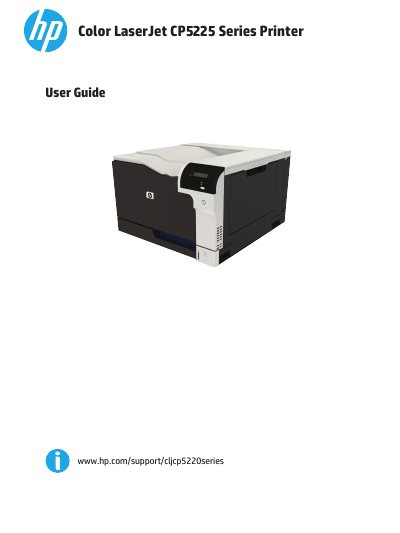
This document serves as the official user guide for the HP Color LaserJet CP5225 Series printer. It covers product basics, control panel usage, and software installation for both Windows and Macintosh operating systems. The guide details how to configure network connectivity, manage paper and print media, and utilize color management features.
| Product Name | Color LaserJet CP5225 Series Printer |
|---|
The guide lists supported operating systems for Windows in the software section.
The guide provides specific instructions for clearing jams in various locations such as the right door, output bin, and trays.