
This user guide provides operating instructions, maintenance procedures, and troubleshooting tips for the HP Color LaserJet CP1510 Series printer.
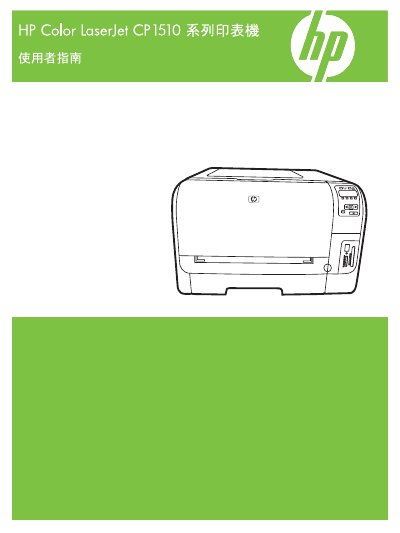
This manual serves as a comprehensive guide for the operation and maintenance of the HP Color LaserJet CP1510 Series color laser printers. It covers essential topics including product features, software installation, paper handling configurations, and network setup procedures for both Windows and Macintosh environments.
The document details how to manage print jobs, utilize the control panel functions, and perform advanced tasks such as color management and photo printing from memory cards. Additionally, it includes sections on managing consumables like toner cartridges, upgrading firmware, and resolving common issues related to paper jams and print quality. This manual is written in Chinese.
| Document Part Number | CC378-90938 |
|---|---|
| Copyright Year | 2007 |
The document part number listed in the manual is CC378-90938.
The printer supports Windows XP and Windows Vista operating systems.
The part number listed for ordering parts and accessories is CC378-90938.