
Learn how to pair and use your HP Bluetooth mouse with a Windows 7 computer.
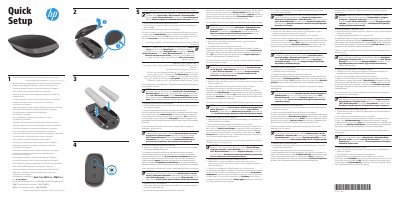
This guide explains how to pair your HP Bluetooth mouse with a Windows 7 computer. It includes steps to enable Bluetooth and install drivers. For detailed instructions, visit HP's support website and search by mouse model number.
The guide is multilingual, providing instructions in multiple languages including Chinese, English, Russian, and others. This manual is written in Chinese.
Turn on the computer and mouse, ensure Bluetooth is enabled and the latest driver is installed, then start the Bluetooth pairing wizard.
Go to HP's support website, enter the mouse model number under Troubleshooting, and click Go to find specific user guides.