
User guide for the HP 912 digital SLR camera, covering setup, shooting modes, image management, and technical specifications.
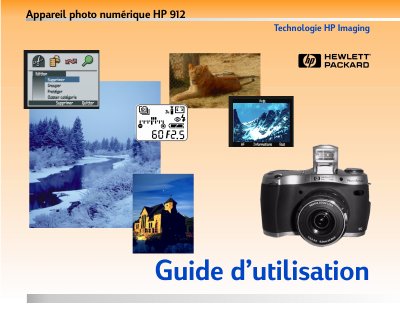
The HP 912 is a digital SLR camera designed to provide users with control over their photography and creativity. It features HP Imaging technology, a 3x optical zoom, and various exposure and focus modes.
The camera operates in four primary modes: Capture for taking photos, Relecture (Playback) for viewing images, Revisualisation (Review) for sorting and editing, and Connexion PC for transferring images to a computer. This manual is written in French.
| Optical Zoom | 3x |
|---|---|
| Digital Zoom | 2x |
| Exposure Modes | 10 (Auto, Portrait, Paysage, Macro, Action, Nuit, Programme, Priorité vitesse, Priorité diaphragme, Manuel) |
| Focus Modes | Manual, Auto (Normal and Macro) |
The integrated automatic flash has four modes: Auto, Auto with red-eye reduction, Forced, and Forced with red-eye reduction.
It is a digital SLR camera allowing you to control your shots and express your creativity.
It includes HP Imaging technology, 3x optical zoom, three image capture modes, ten exposure modes, manual and two auto focus modes, four delay modes, integrated flash with four usage modes, and an external flash mount.
The four modes are Capture, Relecture, Revisualisation, and Connexion PC.