
Swedish user manual for the HP OfficeJet 9010e series all-in-one printer, covering setup, printing, scanning, faxing, and troubleshooting.
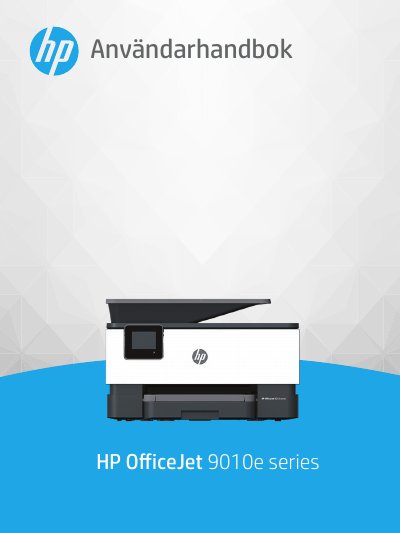
This manual is the Swedish-language user guide for the HP OfficeJet 9010e series all-in-one printer. It covers printer parts, control panel functions, loading paper and originals, connections, management tools, web services, printing, copying, scanning, faxing, ink cartridge handling, troubleshooting, eco solutions, and technical information.
The manual also includes safety information, such as unplugging the product before cleaning it and noting that there are no user-serviceable parts inside the device. This manual is written in Swedish.
| Ringer Equivalence Number (REN) | 0.1 |
|---|
No. The manual states there are no user-serviceable parts inside the device and service work should be left to qualified personnel.
Yes, unplug the product from the wall outlet before cleaning it.
No, do not install or use the device near water or when wet.
The REN is 0.1, based on FCC Part 68 test results.