
User manual for HP Officejet Pro 8500 A909 all-in-one series printer covering setup, printing, scanning, faxing, copying, and device configuration.
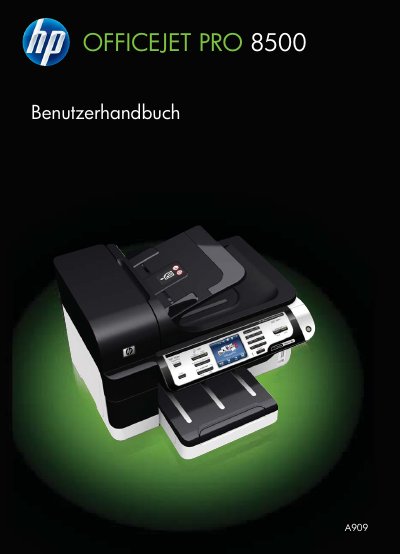
This document serves as the user manual for the HP Officejet Pro 8500 A909 all-in-one series multifunction printer. It provides comprehensive instructions for setup, operation, and maintenance of the device. The manual covers first steps, installation of accessories, printing, scanning, faxing, copying, and device configuration through the control panel. Safety information and basic operating procedures are included at the beginning of the document. This manual is written in German.
This document is a user manual for the HP Officejet Pro 8500 (A909) All-in-One Series.
You must unplug the power cord before cleaning the device.
You must use a grounded outlet to connect the product to electricity.
Have a qualified electrician check whether the outlet is grounded.