
User guide for HP OfficeJet 8020e series printer covering setup, printing, scanning, faxing, maintenance, and troubleshooting.
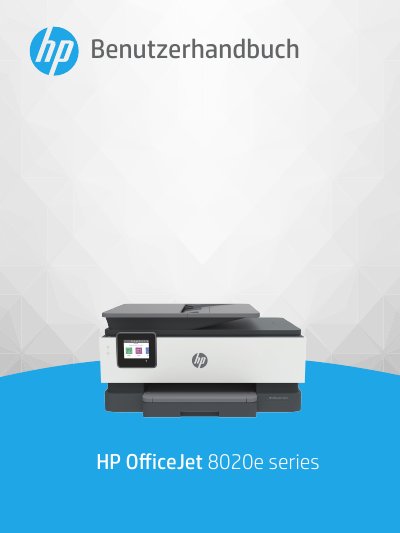
This manual provides step-by-step instructions for setting up, operating, and maintaining the HP OfficeJet 8020e series printer. It covers connecting the printer via Wi-Fi, Ethernet, or USB, printing from computers and mobile devices, scanning and copying documents, sending and receiving faxes, replacing ink cartridges, and troubleshooting common issues. Safety precautions and technical specifications are also included. This manual is written in German.
| Printer Model | OfficeJet 8020e series |
|---|---|
| Ink Cartridge Type | Ink cartridges |
| Estimated Ink Levels | Can be checked |
| Fax Function | Supported |
Follow the steps in 'Einrichten des Druckers für die Wireless-Kommunikation' section.
Refer to the 'Auswechseln der Patronen' section for step-by-step instructions.
Use the 'Beheben von Problemen' section for guidance on resolving common issues.