
HP workstation quick reference card with resource links, safety warnings, product description, and quick installation steps.
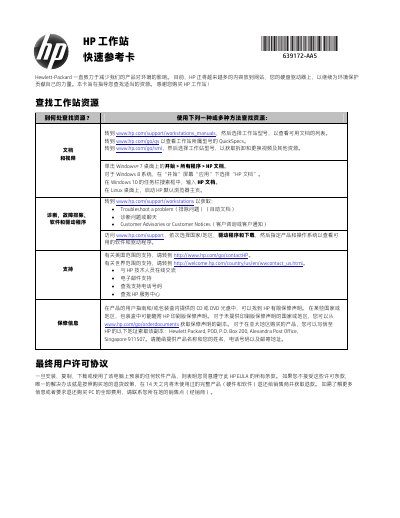
This quick reference card helps users find HP workstation resources, including manuals, videos, diagnostics, software, drivers, and support contacts. It also covers warranty information and the end-user license agreement.
The card includes safety warnings, a product description for desktop all-in-one, desktop, thin client, or retail systems, and a five-step quick installation overview. This manual is written in Chinese.
| Rated input voltage | 100-240 VAC, 200-240 VAC, or 100-127/200-240 VAC |
|---|---|
| Rated frequency | 50-60 Hz or 50/60 Hz |
| Rated current | 1.5 A, 3 A, 4 A, 5.5 A, 6 A, or 8 A |
| AC adapter rated input | 100-240 VAC, 50-60 Hz |
Go to www.hp.com/support/workstations_manuals and select the workstation model; videos are available at www.hp.com/go/sml.
Unplug the power cord from the AC outlet.
Two people should move it together.
Connect the mouse, keyboard, and power cord; connect the monitor; plug in power; connect Ethernet or WLAN; then connect other peripherals.