
HP 6000 Officejet User Manual provides installation, setup, and usage instructions for the printer.
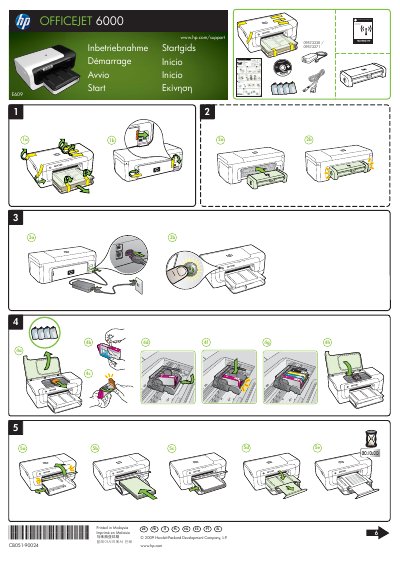
The HP 6000 Officejet User Manual details product installation, setup, and usage instructions, including wireless connection, software installation, maintenance, and ink usage. It covers features for Windows and Mac OS X operating systems.
The manual includes multilingual support and provides guidance on accessing electronic documentation through the HP Solution Center (Windows) or Help Viewer (Mac OS X). It also offers information on Linux compatibility and ink usage details via the HP support website. This manual is written in Chinese.
| Wireless (802.11) | Wireless (802.11) |
|---|---|
| Ethernet | Ethernet |
Install the software first. Do not connect the USB cable until prompted.
Connect the USB cable, then install the software.
It is available via the HP Solution Center (Windows) or Help Viewer (Mac OS X).