
User manual for the HP ScanJet 5590 digital flatbed scanner, covering software installation, front-panel scanning, ADF and TMA use, maintenance, and…
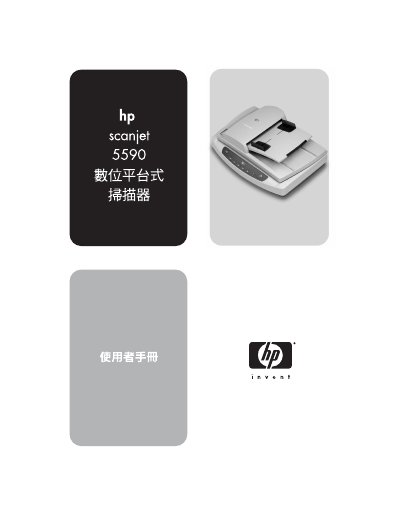
The HP ScanJet 5590 is a digital flatbed scanner with a front panel, an automatic document feeder (ADF), and a TMA for 35 mm slides and negatives. The manual explains how to install the scanner software and use the front-panel buttons to scan documents and photos, save files to disk or CD, send scans by email, and copy.
It also covers scanning from the ADF, scanning slides and negatives with the TMA, cleaning the scanner glass and TMA, ADF cleaning and maintenance, ordering maintenance supplies, troubleshooting, product support, and regulatory information and specifications. This manual is written in Chinese.
| TMA supported media | 35 mm slides or negatives |
|---|---|
| Front-panel display | 2-digit LCD |
| HP photo and imaging software disk space | 160 MB |
It turns off the scanner lamp, LEDs, and LCD.
The TMA can scan 35 mm slides or negatives.
Press the Cancel button while the scanner is scanning; it also cancels a series of scans from the ADF.
Press the Save Document to Disk button, choose settings, click Scan, and then save the file in the Save As dialog box.