
Setup guide for HP LaserJet 5000, 5000N, and 5000GN printers, covering installation, software setup, and print verification.
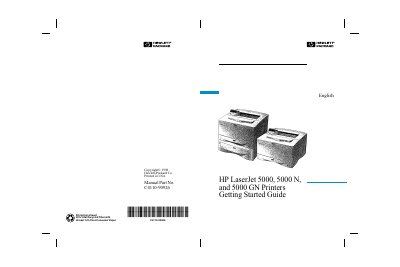
This Getting Started Guide covers the HP LaserJet 5000, 5000N, and 5000GN printers. It explains the differences between the three configurations, then walks through preparing the printer location, checking package contents, installing the printer, connecting cables, installing printing software, and verifying printer setup.
According to the guide, all three models are 16 ppm laser printers that can print on paper sizes up to A3 and 11 x 17. It lists location requirements, printer dimensions and weights, and gives Windows and Macintosh software installation steps.
| Print speed | 16 ppm |
|---|---|
| HP LaserJet 5000 standard memory | 4 MB |
| HP LaserJet 5000N standard memory | 8 MB |
| HP LaserJet 5000GN standard memory | 12 MB |
| Supported paper sizes | Up to A3 and 11 x 17 |
| Tray 1 capacity | 100 sheets |
| Tray 2 capacity | 250 sheets |
| Tray 3 capacity | 500 sheets |
| HP LaserJet 5000 weight without toner cartridge | 50 lb (23 kg) |
| HP LaserJet 5000 N/5000 GN weight without toner cartridge | 75 lb (34 kg) |
| Relative humidity | 20% to 80% |
| Room temperature | 50° to 91° F (15° to 32.5° C) |
The guide states that they are 16 ppm laser printers.
Yes, the guide says they can print on paper sizes up to A3 and 11 x 17.
No, a printer cable is not included in the package contents.
Print a document from a software application; if the document prints, installation is complete.