
This user guide provides instructions for the HP Color LaserJet 2820, 2830, and 2840 all-in-one printers, covering device basics, software, media…
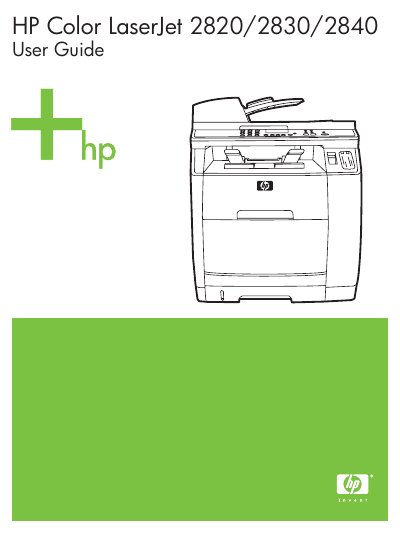
This document serves as the official user guide for the HP Color LaserJet 2820, 2830, and 2840 all-in-one printers. It covers essential topics including device configurations, features, and parts identification. The guide details the installation and configuration of printer drivers and software utilities for Windows and Macintosh operating systems.
| Product Type | all-in-one printer |
|---|
Updated HP device software, product and support information, and printer drivers can be obtained from the World Wide Web at http://www.hp.com/support/clj2800series.
Customers can replace original equipment that came with the device, including the print cartridge, supports for trays and bins, the power cord, and the telephone cord.