
Port trunking configuration and operation guide for HP 2800/4100gl series switches, covering static and LACP trunks.
This document describes creating and modifying port trunk groups on HP 2800 and 4100gl series switches, including non-protocol trunks and LACP (802.3ad) trunks. Port trunking assigns physical links to one logical link that functions as a single, higher-speed link.
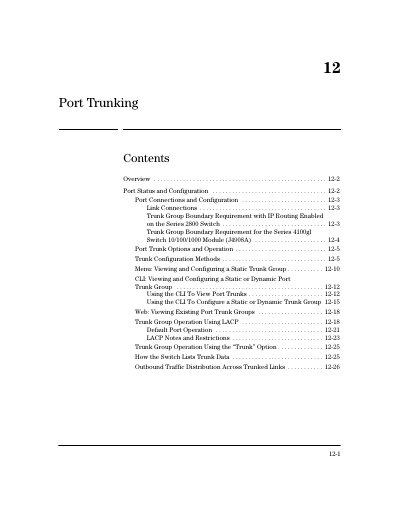
It covers port status and configuration, port connection requirements, trunk group boundary requirements, LACP and Trunk options, and configuration through the menu, CLI, and web interfaces. It also describes default port operation, LACP notes and restrictions, and outbound traffic distribution across trunked links.
| Ports per trunk (maximum) | 4 |
|---|---|
| Trunks per switch (maximum) | 6 (2600/2600-PWR, 4100gl, 6108); 24 (2800) |
| LACP link requirement | Full-duplex (FDx) |
A trunk group can include up to four ports.
No, the ports in a trunk group do not have to be consecutive.
The switch redistributes traffic to the remaining links, and the trunk stays operable if at least one link remains.
Yes, LACP operation requires full-duplex (FDx) links.