
Installation manual for the HP DesignJet 10000s printer covering site preparation, unpacking, setup, RIP installation, and safety.
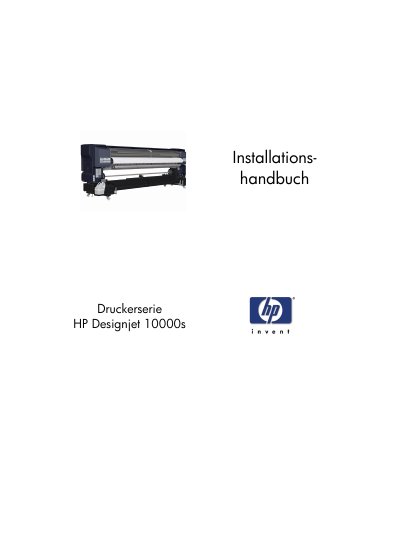
This installation manual explains how to install and set up the HP DesignJet 10000s printer (model Q6693A). It is intended for qualified HP service personnel and covers installation steps, site requirements, printer components, unpacking and transport, configuration and test printing, RIP installation with USB connection, and system checks.
The document also lists safety precautions for electrical connections, ventilation, ink and cleaning-fluid handling, and moving the printer. It states that the printer weighs 500 kg with ink and media and about 650 kg with packaging, and that the packaged printer must be moved with a forklift. This manual is written in German.
| Model | Q6693A |
|---|---|
| Printer weight | 500 kg including ink and media |
| Packaged weight | Approx. 650 kg |
Only qualified HP service personnel should perform the installation.
It covers the HP DesignJet 10000s, model Q6693A.
It weighs 500 kg including ink and media.
The packaged printer must be moved with a forklift.