
Operator's manual for the Hotronix Fusion IQ heat press, covering safety, setup, touch screen operation, presets, and maintenance references.
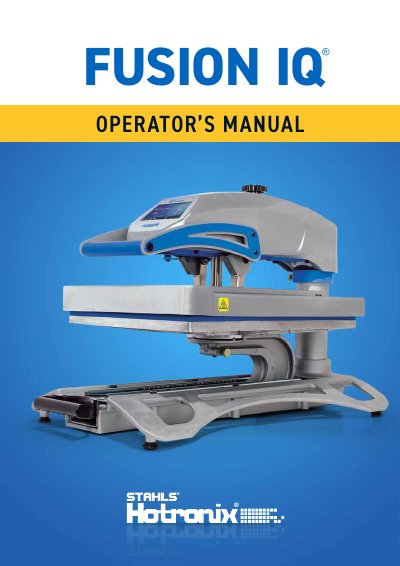
This manual is the operator's manual for the Hotronix Fusion IQ heat press. It covers safety instructions, machine view, operating instructions, connecting the system, startup and shutdown, and the home screen.
It also explains touch screen setup menus, password and user management, presets, date and time, display, auto on and off, system settings, calibration, software updates, IQ Portal connection, electrical schematic, replacement parts, and contact information.
| Heater power (120 V version) | 1800 W, 50/60 Hz |
|---|---|
| Heater power (230/240 V version) | 1800 W, 50/60 Hz |
| Required circuit (120 V) | Full 20-amp grounded circuit |
| Required circuit (220 V) | Full 10-amp grounded circuit |
| Minimum stand size | 91.5 cm L x 60 cm W x 75 cm H |
| Standby hot platen warning threshold | Above 100°F / 38°C |
| Extension cord rating | 20 amperage |
A full 20-amp grounded circuit is required.
Touch and release the Power icon on the Home Screen.
It warns that the platen is still hot.
The default manager password is M.