
This manual provides instructions for connecting, carrying, and using the HORI Pro.V HAYABUSA controller for Nintendo Switch and PC, including Turbo…
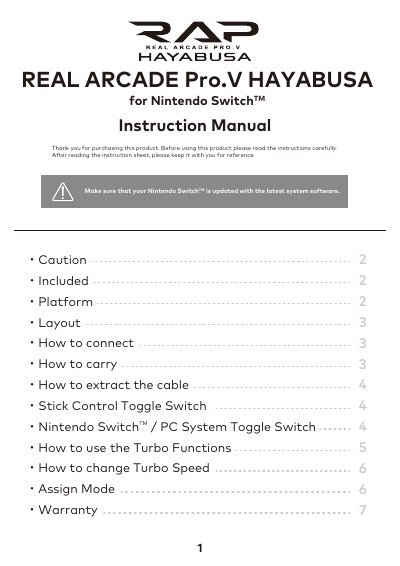
This instruction manual covers the setup and usage of the REAL ARCADE Pro.V HAYABUSA controller for Nintendo Switch and PC. It details how to connect the device to the Nintendo Switch Dock or a PC via USB, and explains the proper way to carry the controller to prevent damage to the cable.
| Compatible Systems | Nintendo Switch / PC |
|---|---|
| Analog Input Support | No |
| Warranty Period | 90 days |
| Turbo Speeds | 5, 12, 20 times/second |
The controller requires Windows 10, 8.1, 8, or 7 and a USB port to function as a PC controller.
Press the HOME Button to deactivate all Turbo function and Turbo hold settings.
Yes, you can remap up to 3 buttons to the L, ZL, and + buttons, or disable button functionality.