
User manual for installing, configuring and using the Hong Kong Observatory Weather Genie 2.0 software.
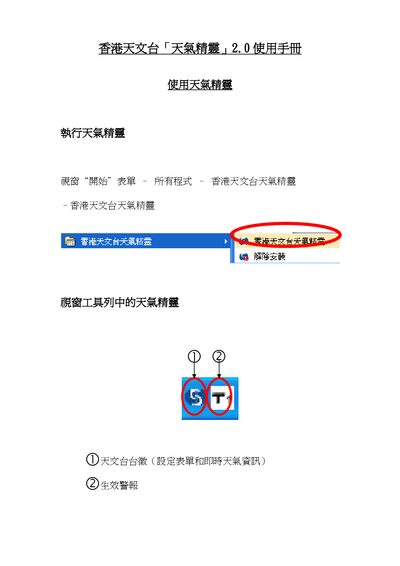
The Hong Kong Observatory Weather Wizard 2.0 is a software application that provides real-time weather information, including current conditions in Hong Kong, UV index, and hourly temperature and humidity for selected regions. It features a system tray icon that displays active weather warnings and provides quick access to the Observatory's website.
The manual details the software's operation, including how to access settings for update frequency, proxy server configuration, and warning notifications. It also provides step-by-step instructions for installation, granting system administrator privileges, and uninstallation. This manual is written in Chinese.
Run the uninstaller via the Start menu (All Programs -> Hong Kong Observatory Weather Wizard -> Uninstall) and confirm the removal.
Download the "wxWizardc.zip" file, unzip it, and then run setup.exe.
Run the uninstall program via the Windows Start menu, then confirm the uninstallation.
The current weather in Hong Kong, the UV index for Kinpus, and the hourly temperature and relative humidity for the selected area are displayed in the lower right of the screen.