
User manual for the Honeytek A3380 series digital clamp meter, covering safety, operation, and specifications for measuring voltage, current, resistance…
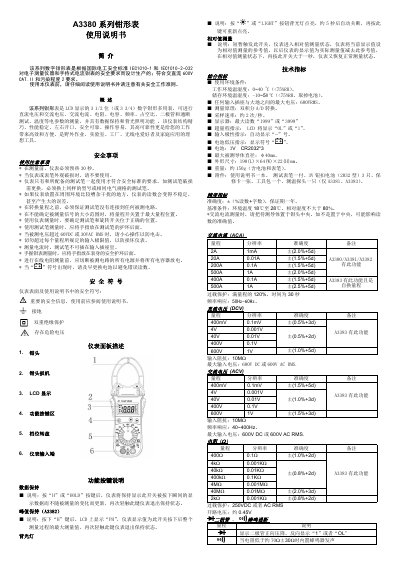
This manual provides instructions for the Honeytek A3380 series digital clamp multimeter, designed according to IEC safety standards for electronic measuring instruments. The device features an LCD display and supports measurements for DC/AC voltage, AC current, resistance, capacitance, frequency, duty cycle, diode, continuity, and temperature. This manual is written in Chinese.
| Display | 3 1/2 digits (or 3 3/4 digits) |
|---|---|
| Max Input Voltage | 600V RMS |
| Battery | 3V CR2032 x 3 |
| Max Conductor Diameter | 40mm |
| Dimensions | 190(L) x 64(W) x 22(H) mm |
| Weight | Approx. 150g |
| Sampling Rate | Approx. 2 times/second |
The instrument must be preheated for 30 seconds before measurement, and the test probes must be in good condition.
Turn the rotary switch to the AC current range, place the conductor in the center of the jaw, and close the jaw completely.
Remove the screws on the back cover, take out the old batteries, insert three new CR2032 batteries, and tighten the screws.