
User manual for the Holley 3.5 Touch Screen LCD, covering installation, tuning, adjustments, and diagnostics for vehicle engine management.
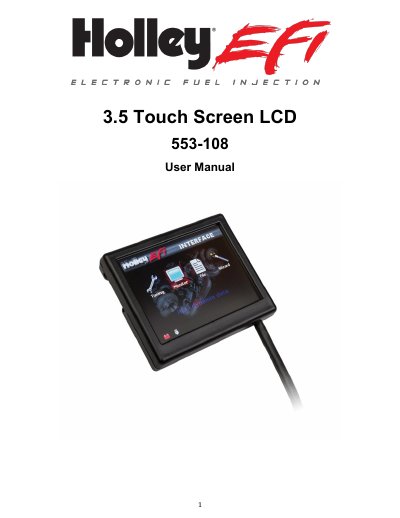
This manual provides instructions for the Holley 3.5 Touch Screen LCD (part number 553-108), a handheld device used for engine tuning and monitoring. It details the package contents, mounting procedures, and connector requirements, specifically the CAN1/Power harness and CAN adapter harness.
| Part Number | 553-108 |
|---|---|
| Connector Type | 4 pin Mizu-P25 male receptacle |
| CAN Adapter Harness Part Number | 271R1075A |
| Power Connection | White wire to switched +12V, Black wire to negative |
Connect the black wire to negative and the white wire to a switched +12V circuit using the supplied harness.
Fuel prime injects a small shot of fuel into the intake manifold when ignition is turned on to wet the intake and allow quicker starting.
Yes, the touch screen may be recalibrated by following the on-screen prompts in the Local Setup menu.
The 3.5 functionality will be locked if the ECU and touch screen firmware do not match.