
This manual provides instructions for operating, charging, and connecting the Hohem iSteady M5 3-axis smartphone gimbal via the Hohem Joy app.
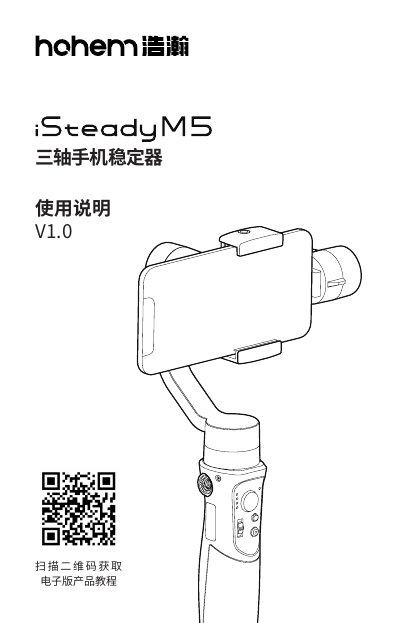
This document is the user manual for the Hohem iSteady M5, a 3-axis smartphone gimbal designed for stable video recording and photography. It covers essential topics including product overview, safety warnings, and installation procedures for mounting smartphones in both portrait and landscape orientations. The guide details how to balance the device for optimal motor performance and battery life, noting specific weight limits and clamp dimensions.
The manual also explains how to charge the gimbal and connect it to the Hohem Joy app for advanced control features. It describes the functions of various physical controls, such as the joystick, mode buttons, and trigger, as well as the different stabilization modes available (PF, PTF, L, POV). Finally, it lists technical specifications, including weight, battery capacity, and operating temperature range, along with warranty and maintenance information. This manual is written in Chinese.
| Self-weight | 474g |
|---|---|
| Maximum load | 280g |
| Clamp width range | 58mm~89mm |
| Battery capacity | 1800mAh 7.4V 13.32Wh |
| Max working time | 13 hours |
| Charging time | 2 hours |
| Operating temperature | -10~45°C |
It takes approximately 2 hours to fully charge the gimbal using a 5V 2A input.
The maximum supported smartphone weight is 280g.
The clamp width range is between 58mm and 89mm.
Rotate the handle automatically to switch to portrait mode.