
User manual for the Hisense Hitachi PC-P1HEQ2 wired remote control, covering setup, operation settings, and troubleshooting.
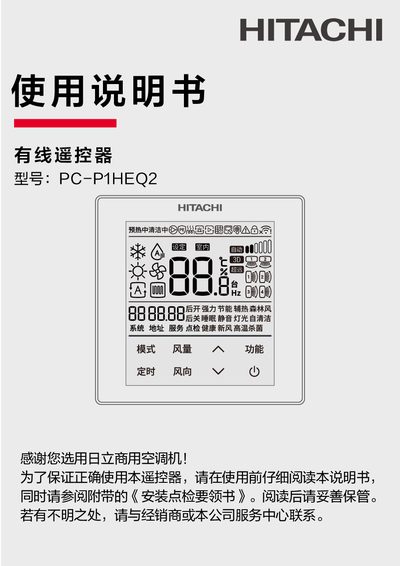
This manual provides instructions for the Hisense Hitachi PC-P1HEQ2 wired remote control, a universal control product for commercial air conditioning systems. It details the physical layout of the remote, including the LCD display, operation buttons, and indicator lights. The document explains how to configure the remote via the 'Hisense Hitachi Smart Home' App for WiFi connectivity and OTA upgrades. This manual is written in Chinese.
| Operating Humidity | ≤85% RH |
|---|---|
| Operating Temperature | 0℃~40℃ |
| iOS Support | iOS 11.0及以上 |
| Android Support | Android 6.0及以上 |
The remote operates normally within a temperature range of 0℃ to 40℃.
Scan the QR code to download the 'Hisense Hitachi Smart Home' App and follow the setup instructions.
The WiFi icon on the LCD indicates signal strength and network connection status.