
The installation guide explains how to set up the Heqin Technology GS-105B/GS-108B 5‑ or 8‑port desktop Gigabit Ethernet switch with plug‑and‑play…
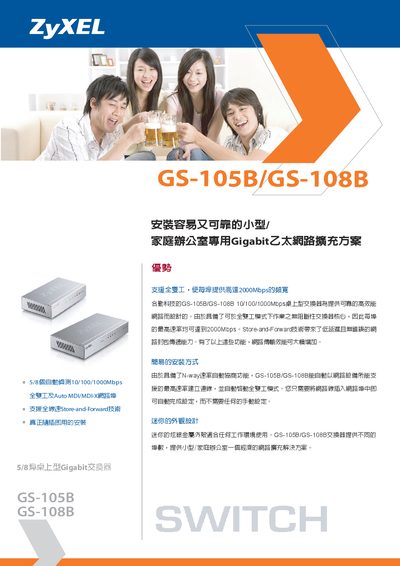
The GS-105B and GS-108B are compact desktop Gigabit Ethernet switches designed for small‑office or home‑office environments. They provide 5 or 8 auto‑negotiating 10/100/1000 Mbps RJ‑45 ports, full‑duplex operation, Store‑and‑Forward switching and low latency, with a sleek silver metal case.
Installation is plug‑and‑play: connect a network cable to any port and the switch automatically negotiates the highest supported speed and enables full‑duplex mode. The devices operate from a 5 V 1 A DC adapter (GS‑105B) or a 12 V 1 A DC adapter (GS‑108B), work within 0 °C‑40 °C and 10 %‑90 % non‑condensing humidity, and measure 75 mm × 121 mm × 26 mm (GS‑105B) or 85 mm × 154.5 mm × 26 mm (GS‑108B). This manual is written in Chinese.
| Ports (GS-105B) | 5 x 10/100/1000 Mbps RJ‑45 |
|---|---|
| Ports (GS-108B) | 8 x 10/100/1000 Mbps RJ‑45 |
| Dimensions (GS-105B) | 75 mm × 121 mm × 26 mm |
| Weight (GS-105B) | 271 g |
| Power Supply (GS-105B) | 5 V 1 A DC |
| Power Supply (GS-108B) | 12 V 1 A DC |
| Operating Temperature | 0 °C – 40 °C |
| Operating Humidity | 10 % – 90 % (non‑condensing) |
Simply plug the network cable into any port; the switch automatically negotiates the highest speed and enables full‑duplex mode.
The GS-105B uses a 5 V 1 A DC adapter, while the GS-108B uses a 12 V 1 A DC adapter.