
User manual for Heat Storm's HS-1500-PHX-WIFI smart heater, covering installation, operation, Wi-Fi setup, maintenance, and troubleshooting.
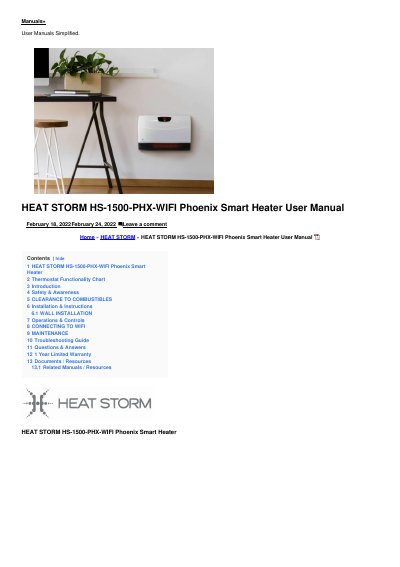
This manual provides step-by-step instructions for installing and operating the Heat Storm HS-1500-PHX-WIFI Phoenix Smart Heater. It includes safety guidelines, wall mounting procedures, Wi-Fi connection steps, temperature settings, and child lock features. The document also covers maintenance and troubleshooting to ensure safe and proper use.
Safety precautions are emphasized, including keeping combustible materials at least 3 feet away, avoiding use near flammable substances, and ensuring the heater is plugged directly into a wall outlet without extension cords. The manual also explains how to connect the device to Wi-Fi via the Smart Life app and adjust temperature settings using the touch screen or app.
Press the “+” and “-” icons at the same time to set the heater to function and display in Celsius or Fahrenheit. This can only be done via the touch screen or Smart Life app on Wi-Fi models.
Press either the “+” or “-” icons to enter temperature setting mode. The numbers will blink. Pressing the icons will change the thermostat by 1°F or 1°C. The default is 70°F (21°C).
Press the ON/OFF icon for 5 seconds to engage child lock. No changes can be made to settings until child lock is turned off. This can only be done via the control panel or Smart Life app on Wi-Fi models.