
Instructions for updating the HeadRush MX5 to firmware version 2.7, including file backup steps, minimum system requirements and the change log.
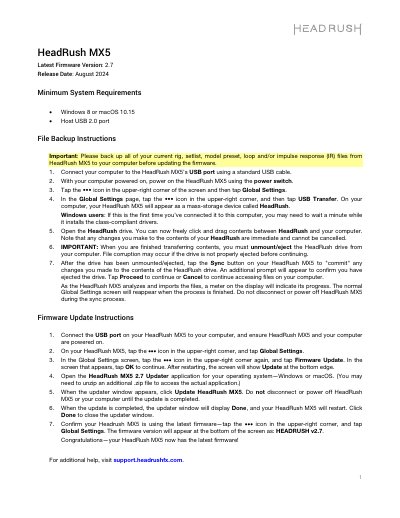
This document describes how to update the HeadRush MX5 to firmware version 2.7, released in August 2024. It lists the minimum system requirements (Windows 8 or macOS 10.15 and a Host USB 2.0 port) and walks through backing up rig, setlist, model preset, loop and impulse response (IR) files to a computer over USB before updating.
The firmware update section explains connecting the MX5 to a computer, starting Firmware Update from Global Settings, running the HeadRush MX5 2.7 Updater application for Windows or macOS, and confirming the version shown as HEADRUSH v2.7. The remaining pages list changes and bug fixes made since firmware versions 2.6, 2.5, 2.4, 2.3.1 and 2.3.0, plus two rare known issues after updating.
| Firmware Version | 2.7 |
|---|---|
| Release Date | August 2024 |
| Minimum Operating System | Windows 8 or macOS 10.15 |
| Minimum USB Requirement | Host USB 2.0 port |
You need Windows 8 or macOS 10.15 and a Host USB 2.0 port.
Back up all of your current rig, setlist, model preset, loop and/or impulse response (IR) files from the MX5 to your computer.
Tap the ••• icon in the upper-right corner and tap Global Settings; the firmware version appears at the bottom of the screen as HEADRUSH v2.7.
Reboot the unit by holding the power button or by disconnecting and reconnecting the power cable, then restart the unit.