
This manual provides instructions for using the HDL ON software to configure, edit, and control HDL smart home modules via mobile devices.
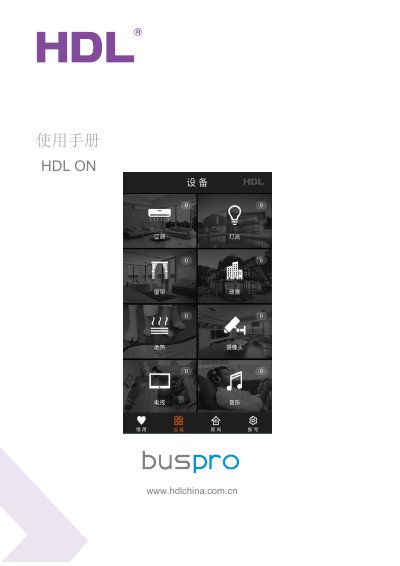
The HDL ON application is a control and editing software for the HDL smart home system. It allows users to manage various hardware modules through iOS or Android smartphones and tablets, enabling intelligent home automation and remote control capabilities.
To begin using the system, users must register an account and log in with a debug account to access configuration features. The manual details how to bind MAC addresses for IP modules, search for gateway devices, edit specific equipment types such as relays and dimmers, create rooms, set up scenes, and establish remote connections. This manual is written in Chinese.
The software supports both iOS and Android system devices for mobile phones and tablets.
The default password for the first login to a debug account is 85521566.
No, the system rule states that only one MAC address can be bound to a single account.