
User manual for the Hamilton Beach BrewStation Coffee Maker models 48465-CN and 48467-CN, covering operation, programming, cleaning, and troubleshooting.
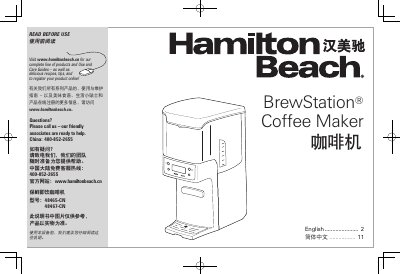
This manual provides instructions for the Hamilton Beach BrewStation Coffee Maker, models 48465-CN and 48467-CN. It covers essential safety precautions, setup procedures, and detailed steps for making regular and iced coffee. The document explains how to program the automatic brew timer and adjust keep-warm settings to suit user preferences.
| Automatic Shutoff Time | 0, 1, 2, 3, or 4 hours |
|---|---|
| Coffee Scoop Capacity | 12 scoops |
| Cleaning Frequency | Once a month |
Press and hold the ON/OFF button for 3 seconds to reset the timer and keep the coffee warm for the selected number of hours.
You should clean the machine at least once a month, or once a week if you have hard water.
The CLEAN light appears when the machine senses residue buildup or when the built-in cycle timer indicates it is time for cleaning after 30 cycles.