
This manual covers connecting, configuring, and using the Temperature Control Network for Hakko Electronics V series units to communicate with various…
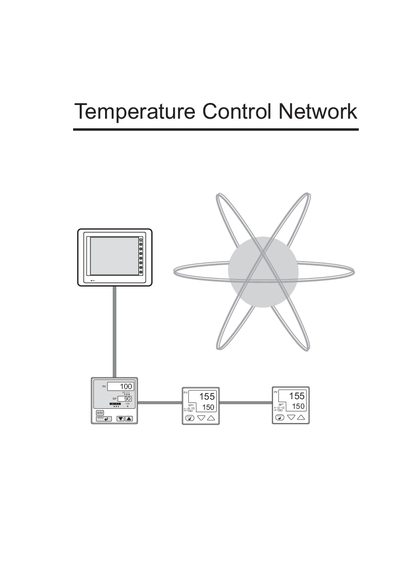
The document provides instructions for setting up a communication network between Hakko Electronics V series programmable controllers (MONITOUCH) and external temperature controllers. It details hardware requirements, including specific cable types like the optional V6-TMP, and explains how to configure terminating resistances on DIP switches for RS-485 connections.
| Max connected temperature controllers (RS-485) | 31 |
|---|---|
| Connection interface types | RS-232C or RS-485 |
| Default Baud rate for Yokogawa M&C controllers | 9600 bps |
Use Hakko Electronics' optional cable 'V6-TMP'.
Yes, up to 31 temperature controllers can be connected via a two-wire connection.
The default setting on the V-SFT is 9600 bps.