
User manual for the Haier PAD W800 Windows tablet, covering safety precautions, controls, Windows 8.1 desktop basics, and basic system operations.
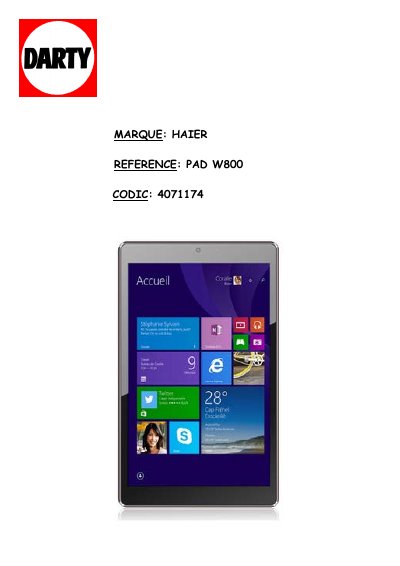
The Haier PAD W800 user manual introduces the Windows tablet PC and its basic functions. It presents a quick description of the device in a few images and covers safety precautions, key functions, and the Windows 8.1 desktop.
It describes the tablet's ports and controls, including headphone/microphone, micro USB, mini HDMI, micro SD, cameras, power, volume, Windows key, and speaker. It also explains basic operations such as sleep, restart, power off, user and password settings, and system refresh or reset. This manual is written in French.
| Operating system | Windows 8.1 |
|---|---|
| Recommended operating temperature | 5 °C to 35 °C |
| Altitude availability | Below 2,000 m altitude, outside tropical regions |
| Micro SD card support | Micro SD and Micro SDHC |
| Front camera | CCD camera |
| Rear camera | CCD camera |
The manual describes the Windows 8.1 start screen.
The micro SD card reader supports Micro SD and Micro SDHC.
When using the tablet for the first time, charge the battery for more than half an hour before turning it on.
Open the menu column, then go to Settings, PC settings, Update and recovery, and Recovery, and select the recovery mode.