
This manual provides instructions for the GV-POE1601-V2 16-port PoE switch, covering installation, web interface access, configuration via GV-IP Device…
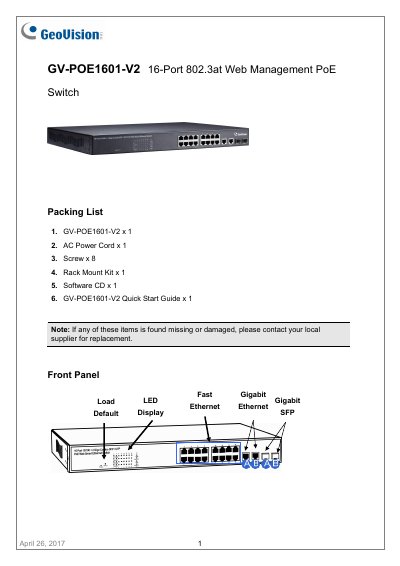
This document is the user manual for the GV-POE1601-V2, a 16-port 802.3at Web Management PoE switch designed to connect up to 16 GV-IP cameras and 1 GV-NVR/DVR system. It details the packing list, front panel LED indicators, and system capabilities including PoE+ power delivery and network performance specifications.
The guide explains how to access the Web management interface using the default IP address and credentials, how to configure the device using the GV-IP Device Utility software, and procedures for resetting hardware settings or updating the firmware via the Web interface. This manual is written in Chinese.
| Number of Ports | 18 ports (16-port 10/100BaseTX with RJ-45 Connectors, PoE+; 2-port Gigabit Copper/SFP Combo Uplink Port) |
|---|---|
| MAC Address Buffer Memory | 2.75 M bits |
| Transmission Method | Store and Forward |
| PoE Power Output | IEEE 802.3at Compliant Voltage, Per Port Max. 30 W |
| Max. Power Consumption | 250 W |
| Operating Temperature | 0°C ~ 40°C |
The default IP address is 192.168.0.250.
The default ID and Password are both 'admin'.
Press and hold the Reset button on the front panel for 5 seconds until all LEDs start blinking.