
User manual for the GQ9005 network extender by Guangzhou Guangqiao, covering features, specifications, installation and operation.
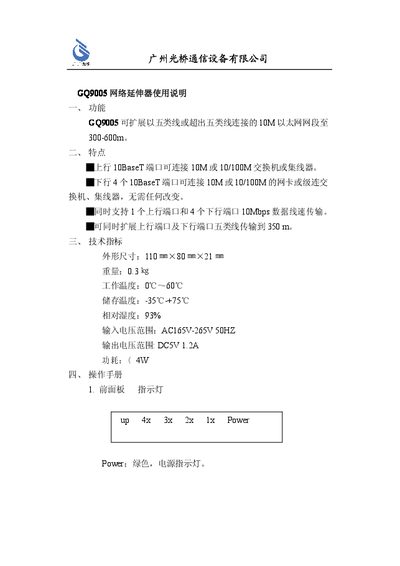
The GQ9005 network extender expands a 10 Mbps Ethernet segment over Category‑5 cabling up to 300‑600 m. It provides one upstream 10Base‑T port and four downstream ports, supporting both 10 Mbps and 100 Mbps connections without any changes to existing network equipment.
The manual describes the front‑panel indicators, rear‑panel power connector, installation steps, typical network topology and technical specifications such as dimensions, operating temperature and power requirements. It also includes safety notes and troubleshooting guidance. This manual is written in Chinese.
| Dimensions (W×H×D) | 110 mm × 80 mm × 21 mm |
|---|---|
| Operating Temperature | 0 °C ~ 60 °C |
| Storage Temperature | -35 °C ~ +75 °C |
| Relative Humidity | 93 % |
| Input Voltage Range | 165 V ~ 265 V AC, 50 Hz |
| Output Voltage | 5 V DC, 1.2 A |
It can extend the segment up to 300‑600 meters using Category‑5 cabling.
The device operates from an AC input of 165 V to 265 V at 50 Hz.
It provides four 10Base‑T downstream ports for connecting computers or network cards.
The green Power LED shows that the unit is receiving power correctly.