
User's Guide for the GPX PC301 Portable Compact CD Player, covering safety, functions, controls, and programming instructions.
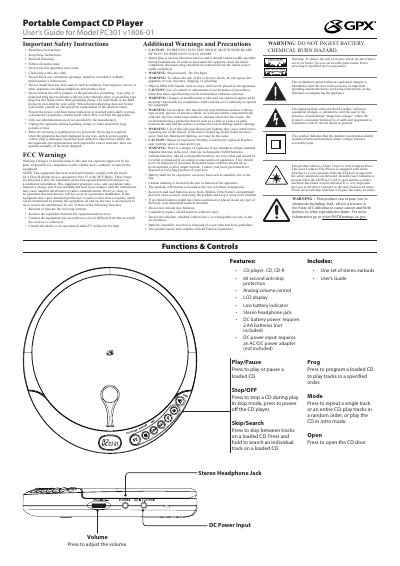
This document is the User's Guide for the GPX PC301 Portable Compact CD Player. It provides important safety instructions, FCC warnings, and additional precautions regarding battery usage and laser safety. The guide details the functions and controls of the device, including Play/Pause, Stop, Skip/Search, Program, Mode, Open, and Volume buttons.
| Disc Format | CD, CD-R |
|---|---|
| Battery Requirement | 2 AA batteries |
| Laser Class | Class 1 |
| Anti-skip Protection | 60 second |
| Max Programmed Tracks | 20 tracks |
The unit requires 2 AA batteries for DC battery power.
No, there is a danger of explosion if you attempt to charge standard Alkaline batteries. Only use rechargeable NiMH batteries.
Press STOP, then PROG. Use SKIP/SEARCH to select a track and press PROG to save it. Repeat for up to 20 tracks.