
Manual for connecting Yamatake devices to a GP-Pro EX display using the MODBUS TCP master driver.
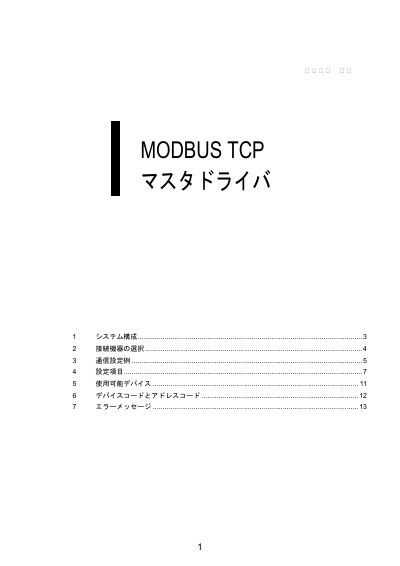
This manual explains how to connect Yamatake connection devices to a GP-Pro EX display using the MODBUS TCP master driver. It covers system configurations, selecting the connection device, communication setting examples, and setting items.
It also documents display and device port settings, timeout and send-wait ranges, maximum connection counts, and MODBUS TCP master error codes. This manual is written in Japanese.
| Display port number | 1024-65535 |
|---|---|
| Device port number | 1-65535 |
| Maximum connections (1:n) | 32 |
| Maximum connections (n:1) | 2 |
| Factory IP address | 192.168.255.254 |
Select MODBUS TCP マスタ.
The factory IP address is 192.168.255.254.
The specified data address does not exist.