
This manual explains how to use and operate the "Lamp" feature in GP-Pro EX, including settings, bit control, and state switching.
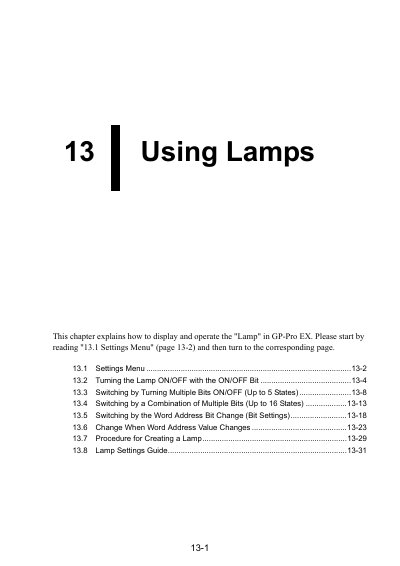
This document provides step-by-step instructions for using the "Lamp" feature in GP-Pro EX. It covers setting up lamps to display ON/OFF states using bit addresses, switching between multiple states with bit combinations, and configuring lamp colors and labels. The manual includes detailed setup procedures for different lamp configurations and settings guides for customizing appearance and behavior. This manual is written in Chinese.
A single lamp can display in different colors the ON/OFF states of four different bit addresses, and the bit addresses can be from different devices/PLCs.
Using a combination of up to four bit addresses, a single lamp can switch through up to 16 states.
The lamp changes with 256 colors according to the data value (0 to 255) stored in the word address.
It displays on the GP the ON/OFF state of the device/PLC bit address, turning ON when the specified bit address is ON and OFF when it is OFF.