
This manual provides instructions for setting up, operating, and maintaining the GoPro HERO9 Black camera, including video/photo modes and troubleshooting.
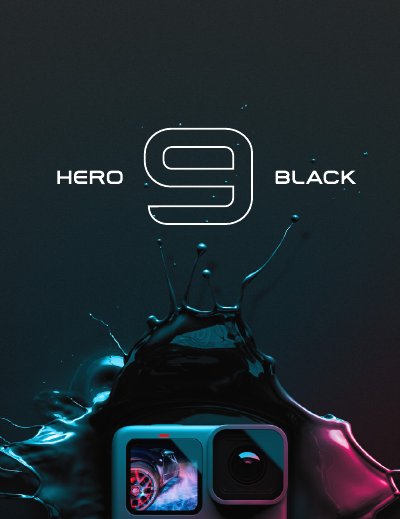
The GoPro HERO9 Black is a compact action camera featuring a new front screen for real-time viewing and advanced stabilization with HyperSmooth. This user manual guides users through initial setup, including charging the battery and inserting an SD card, as well as navigating the touch interface to switch between video, photo, and time-lapse modes.
The document covers detailed configuration options such as customizing screen shortcuts, adjusting exposure controls, and utilizing Protune advanced settings for color and ISO. It also includes instructions for updating software via the GoPro app or website, transferring media files, performing maintenance like cleaning the lens, and troubleshooting common issues. This manual is written in Chinese.
It takes approximately three hours to fully charge the camera using a standard USB-C charger.
You must use a Class 10 or UHS-I rated microSD card with a maximum capacity of 256GB.
The default ISO upper limit is 3200, while the lower limit defaults to 100.