
User manual for the GLP impression E350 lighting fixture, covering safety, preparation, control menus, DMX channels, troubleshooting, care, and specifications.
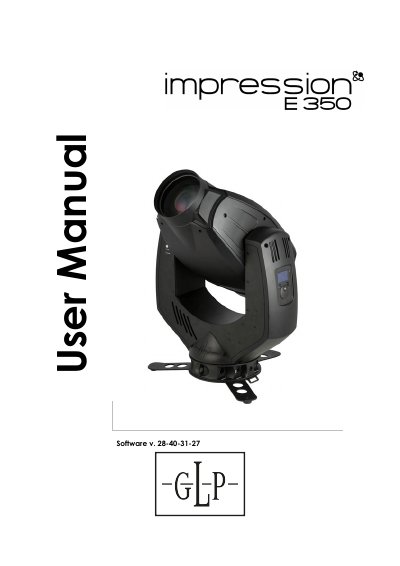
The GLP impression E350 User Manual covers fixture software version v. 28-40-31-27. It provides safety information, guidance on avoiding damage, a product overview, product features, and preparation for use.
The manual also includes control menus and LCD display information, control menu layout, DMX channel layout, troubleshooting, caring for your product, technical specifications, and dimensions.
| Product safety classification | Risk Group 2 according to DIN EN 62471:2009-03 |
|---|---|
| Maximum ambient temperature | 45° C (115° F) |
| Casing surface temperature | up to 55° C (131° F) during operation |
| AC power input connector | Neutrik powerCON TRUE1 cable connector |
| Minimum fixture spacing | 600 mm / 23. 6 in. center-to-center |
| Minimum ventilation clearance | 100 mm (4 in.) around fans and air vents |
| Minimum distance from combustible materials | 200 mm (8 in.) |
| Mounting screw protrusion | 9 mm / 0.36 in. minimum to 11 mm / 0.43 ins. maximum |
| Supplied US power cable | 16 A, 14 AWG, UL listed, E304117, SJT, 4.9 ft. |
| Supplied EU power cable | 16 A, 1.5mm², H05VV-F, 1.5 m |
It covers fixture software version v. 28-40-31-27.
Disconnect the fixture from power immediately and allow it to cool. Do not touch it without heatproof safety gloves.
Use only a Neutrik powerCON TRUE1 cable connector at the product's power connector.
Allow a minimum center-to-center distance of 600 mm / 23. 6 in. between fixtures.