
The Gemini 7507N wireless magnetic contact sensor detects door/window openings and transmits alarm signals at 433.92 MHz using a CR2032 battery.
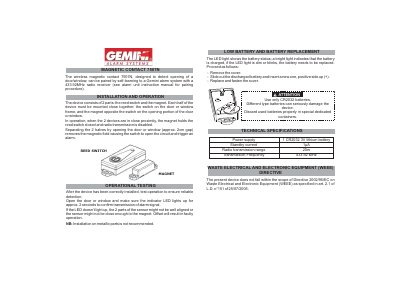
The Gemini 7507N is a wireless magnetic contact sensor designed to detect the opening of a door or window. It consists of a reed switch and a magnet; when the door or window opens, the magnet separates from the reed switch (approximately 2 cm), triggering an alarm signal transmitted at 433.92 MHz to a compatible Gemini alarm system.
The device is powered by a CR2032 3V lithium battery with a standby current of 20 µA. An LED indicates battery status: a bright light means the battery is charged, while a dim or blinking light signals replacement is needed. Installation involves mounting the reed switch on the frame and the magnet on the moving part, avoiding metallic surfaces. Operational testing confirms the LED lights for about 2 seconds when the door or window is opened.
| Power supply | CR2032 3V lithium battery |
|---|---|
| Transmission frequency | 433.92 MHz |
| Operating gap | Approximately 2 cm |
Remove the cover, slide out the discharged battery, insert a new CR2032 battery with the positive side up, then replace and fasten the cover.
Installation on metallic parts is not recommended.