
The Gemalto Ezio Bluetooth Reader User Guide explains setup, pairing, and troubleshooting for PC and Mac.
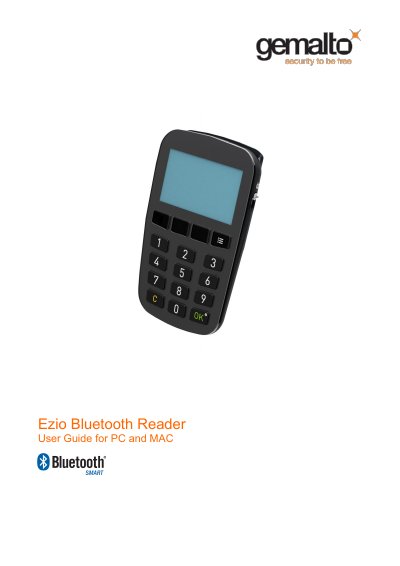
This guide covers the Ezio Bluetooth Reader’s hardware features, power management, and operating modes. It explains how to turn the device on, charge the internal battery via USB, and switch between Bluetooth and USB connected modes.
Detailed instructions are provided for Windows (7, 8, 10) and macOS (OS X) environments, including prerequisite hardware, software installation, pairing procedures, normal connection usage, and troubleshooting tips for common connection problems.
| Battery charging method | Charged via USB cable when connected |
|---|---|
| Power‑off method | Press OK button for more than two seconds (not in USB mode) |
| Auto‑connect behavior | Auto Connect is activated by default after pairing |