
This manual provides operating instructions for the GE Security Simon XT intrusion alarm control panel, covering programming, testing, and system communication.
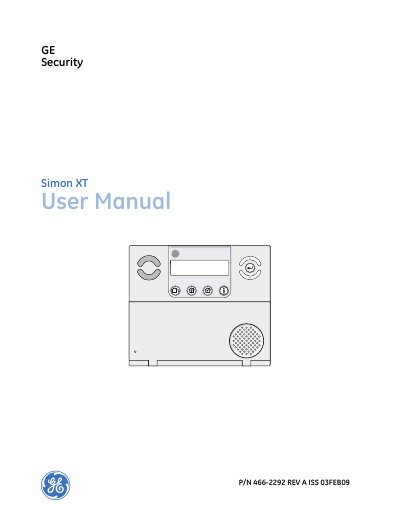
The GE Security Simon XT is a wireless security system designed to warn families about intrusion and fire, while also allowing control of lights and appliances. The system communicates with a central monitoring station and can send voice messages to offsite phones. It utilizes various sensors, including door/window, motion, smoke, and shock detectors, along with modules for appliances and lamps.
| Security Grade | 2 |
|---|---|
| Environmental Class | II |
| Document Revision | REV A |
The default master code is 1-2-3-4 when the security system is shipped from the factory.
Press Fire, Emergency, or Police twice within 3 seconds or hold it for 2 seconds.