
User manual for Garan's EWS 102 elevator load weighing system, covering installation, calibration, alarm settings, and wiring.
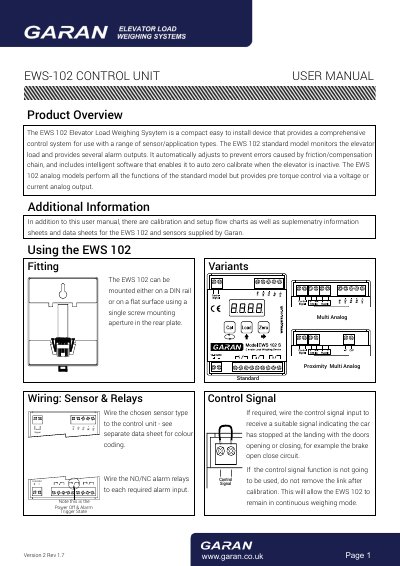
The EWS 102 is a compact control unit for elevator load weighing, designed for easy installation on DIN rail or flat surfaces. It provides alarm outputs and auto-zero calibration to prevent errors from friction or compensation chains. The unit supports analog outputs for pre-torque control and can be configured via a keypad with LED display. Calibration and setup are guided by step-by-step procedures and flowcharts.
The manual includes wiring instructions for sensors and relays, control signal setup, and detailed parameter adjustments such as maximum capacity, alarm thresholds, filter settings, and system reset options.
| Maximum Capacity | 1000kg |
|---|---|
| Alarm Relay 1 Trigger Value | 1100kg |
| Alarm Relay 2 Trigger Value | 1000kg |
| Alarm Relay 3 Trigger Value | -300kg |
| Hysteresis Value | 30kg |
| System Reset Function | Off |
| Analog Output Types | 4-20mA, 0-20mA, 0-24mA, 0-5V, 0-10V, +/-5V, +/-10V |
When enabled, the system will automatically recalibrate to zero if the elevator remains inactive for 2 minutes. It must be turned off during calibration.
The EWS 102 supports current outputs (4-20mA, 0-20mA, 0-24mA) and voltage outputs (0-5V, 0-10V, +/-5V, +/-10V).