
Gamber-Johnson INST-646 installation instructions for the 7160-0542 F110 docking station, covering safety information, docking and undocking, and…
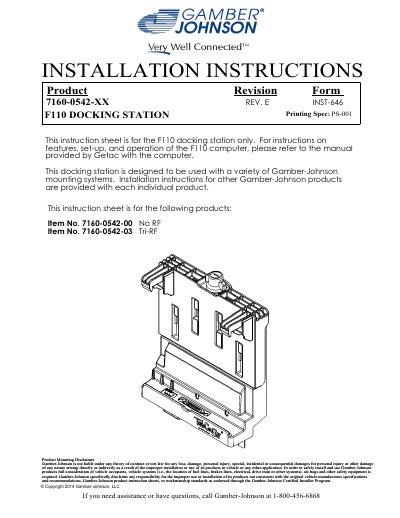
This instruction sheet from Gamber-Johnson covers the F110 docking station, covering item numbers 7160-0542-00 (No RF) and 7160-0542-03 (Tri-RF). It identifies the dock's features and connectors, explains how to dock and undock the computer, and lists the safety information installers must follow when mounting equipment in a vehicle.
The document also includes pre-installation recommendations such as conducting a bench test before connecting the dock to the vehicle battery, a product mounting disclaimer, and regulatory certification information including FCC Part 15, EN 55022:2010 Class A and ECE-R10 references. For set-up and operation of the F110 computer itself, it refers readers to the installation instructions provided by Getac.
| Item numbers covered | 7160-0542-00 (No RF) and 7160-0542-03 (Tri-RF) |
|---|---|
| Regulatory model number | 7160-0542 |
| Power input | 19 Vdc |
| USB ports | (3) USB 2.0 and (1) USB 3.0 |
| Wireless connectors | WWAN, WLAN and GPS |
| Mounting hole patterns | GJ hole pattern and VESA 75 mm hole pattern |
| Threaded inserts | 1/4-20 UNC |
| Certifications listed | FCC Part 15, EN 55022:2010 / CISPR 22:2008 Class A, EN 50498:2010, ECE-R10: 2012 Addendum 9 Revision 4, EN 50581:2012 |
It is the F110 docking station; for set-up and operation of the F110 computer, refer to the installation instructions provided by Getac.
Double click the Getac Utilities icon on the desktop (OSDC) and click the Docking button, then unlock if locked and rotate the wing turn latch 90 degrees.
Gamber-Johnson strongly advises conducting a bench test to verify all electronic and software issues are resolved prior to installation.
Yes, the instructions state that opening the docking station will void the product warranty.